
18 Nov
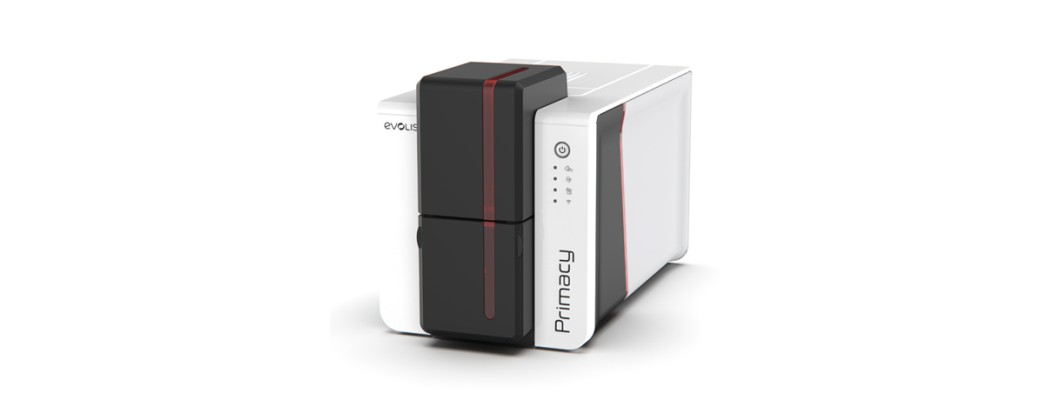
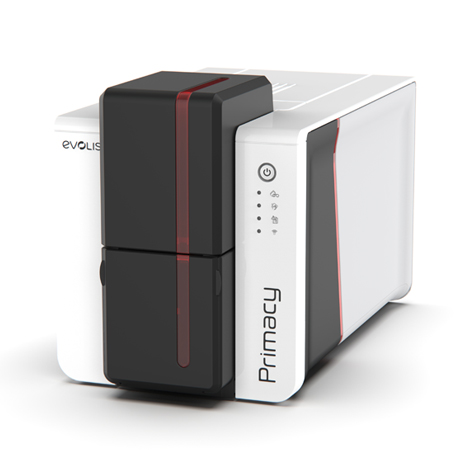
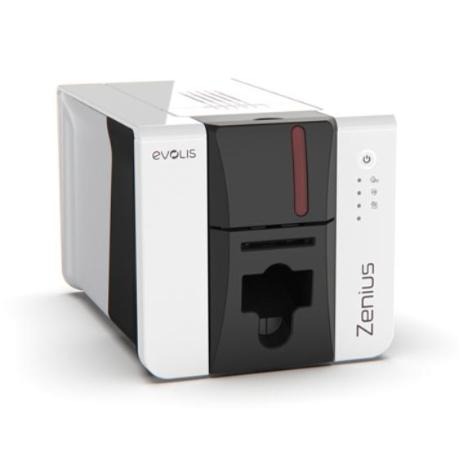
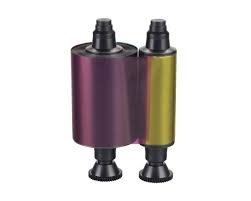
Quick answer: A direct-to-card printer feeds a blank card past a cleaning roller, then a thermal printhead heats a ribbon panel by panel (Yellow, Magenta, Cyan, Black, then a clear Overlay) to transfer colour straight onto the card. Each colour is a separate pass. Printers such as the Evolis Primacy 2 (SAR 6,831.00 incl. VAT) and Fin-CP (SAR 3,643.20) work this way.
Step by step
- Feed: a card leaves the input hopper.
- Clean: a sticky roller removes dust that would leave spots.
- Y, M, C: the printhead heats dye from each colour panel into the card surface.
- K: black resin prints sharp text and barcodes.
- O: a clear overlay protects the image from wear and UV.
- Flip (dual-sided models): the card turns and the back is printed.
- Output: the finished card drops into the output hopper.
Tips for better cards
- Use clean, quality PVC cards and keep the hopper closed.
- Run the cleaning card regularly.
- Use genuine ribbons such as the Evolis R3011 (SAR 284.63).
- Design with a small white margin; direct-to-card does not print to the very edge.
Why buy from Count Express
- Stock, technical teams and distribution centers in Riyadh, Jeddah and Al Khobar, with delivery to Dammam, Makkah, Madinah and every region of Saudi Arabia, usually within 2 to 4 business days.
- Up to 3-year warranty on Evolis Primacy 2 and Bravo RTAI printers, 2 years on other card printers.
- All prices include 15% VAT, with a tax invoice in your company name.
Frequently asked questions
Why is there a white border?
Direct-to-card printheads cannot print right to the card edge; retransfer can.
What is the overlay for?
It protects the printed image from scratches and fading.
How long does a card take?
Typically well under a minute for a colour card; dual-sided takes longer.
Find your printer
Add it to your cart, or call or WhatsApp +971 58 581 2907 with your volume and card design.
Leave a Comment