
18 Nov
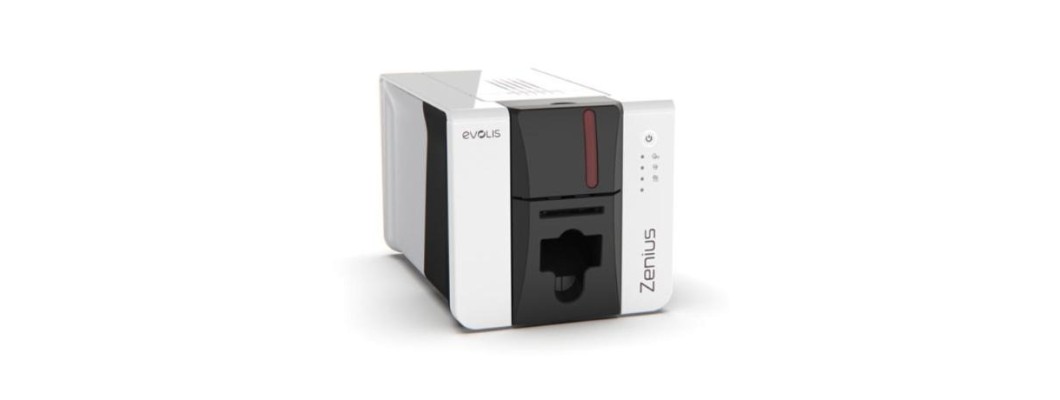
Quick answer: Setting up the Evolis Zenius 2 (SAR 4,326.30 incl. VAT) takes under an hour: place it on a stable, dust-free desk, load a compatible ribbon such as the Evolis R5F002EAA, install the driver, load clean PVC cards, then print a test card from cardPresso.
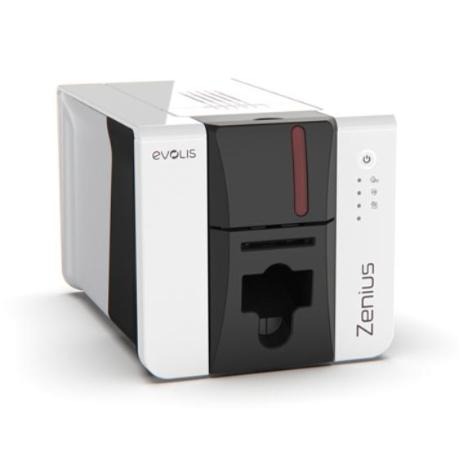
Step by step
- Place it well: flat desk, away from doors, AC vents and direct sun.
- Load the ribbon: open the cover and fit the ribbon as shown on the label; genuine ribbons are recognised automatically.
- Install the driver from the Evolis website or the supplied media, then connect USB.
- Load cards: handle by the edges; do not overfill the feeder.
- Design a template in cardPresso: photo frame, name, ID number, logo.
- Print a test and adjust colour and position.
- Run a cleaning cycle when prompted or at each ribbon change.
First-week tips
- Leave a small white margin in designs; direct-to-card does not print to the very edge.
- Use good-quality, evenly lit photos.
- Print a few spare cards for testing new designs.
Why buy from Count Express
- Stock, technical teams and distribution centers in Riyadh, Jeddah and Al Khobar, with delivery to Dammam, Makkah, Madinah and every region of Saudi Arabia, usually within 2 to 4 business days.
- Up to 3-year warranty on Evolis Primacy 2 and Bravo RTAI printers, 2 years on other card printers.
- All prices include 15% VAT, with a tax invoice in your company name.
Frequently asked questions
Does the Zenius 2 print both sides?
No, it is single-sided; consider the Primacy 2 Duplex for two sides.
Which ribbon does it use?
Evolis ribbons for the Zenius range; check compatibility on each ribbon page.
Can you help with setup?
Yes; our team can guide you remotely or on site.
Get your Zenius 2
Add it to your cart, or call or WhatsApp +971 58 581 2907 with your card volume.
Leave a Comment