
18 Nov
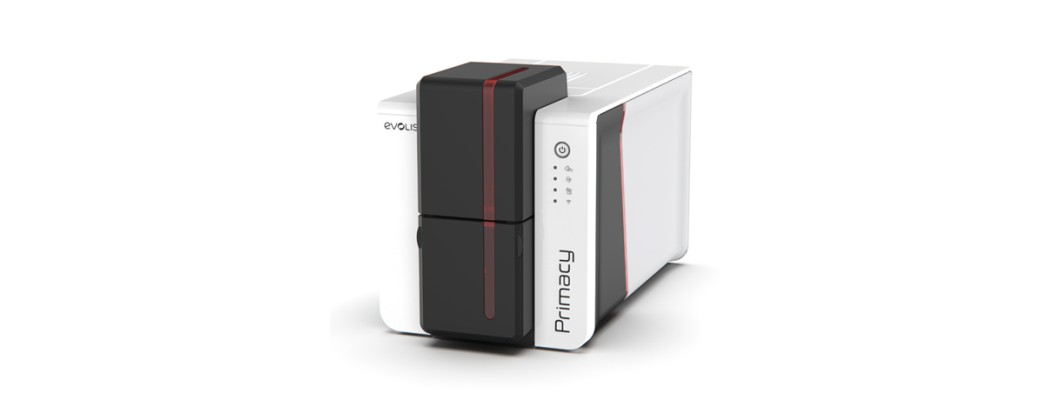
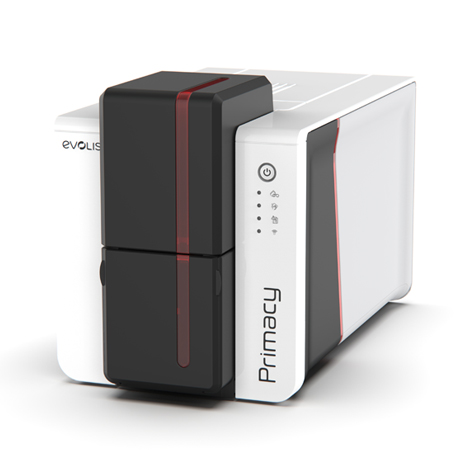
Quick answer: Dust is the main enemy of card printers in Saudi Arabia: it causes spots, lines and printhead damage. Run the cleaning card at the interval your printer asks for (or when you change ribbons), keep covers and hoppers closed, handle cards by the edges, and store ribbons and cards sealed, cool and dry. This keeps printers such as the Evolis Primacy 2, Fin-CP and HID Fargo DTC1250e printing cleanly for years.
Routine
| When | Task |
|---|---|
| Every ribbon change | Run a cleaning card or follow the printer prompt |
| Weekly | Wipe outside, check rollers for dust |
| Monthly / per printer prompt | Full cleaning cycle |
| Always | Keep covers closed, printer away from doors and AC vents |
Protect the printhead
- Use genuine ribbons such as the Evolis R3011; poor ribbons wear printheads.
- Never touch the printhead with fingers or tools.
- Use clean, flat, quality PVC cards.
Store supplies properly
- Keep ribbons in their packaging until use.
- Store cards flat, sealed and away from heat and sun.
- Do not leave cards in the hopper for weeks.
Why buy from Count Express
- Stock, technical teams and distribution centers in Riyadh, Jeddah and Al Khobar, with delivery to Dammam, Makkah, Madinah and every region of Saudi Arabia, usually within 2 to 4 business days.
- Up to 3-year warranty on Evolis Primacy 2 and Bravo RTAI printers, 2 years on other card printers.
- All prices include 15% VAT, with a tax invoice in your company name.
Frequently asked questions
Why do my cards have white dots?
Dust on cards or rollers; run a cleaning cycle and use clean cards.
How do I know the printhead is damaged?
Permanent thin lines that cleaning does not remove.
Is printhead damage covered?
Wear from dirty cards or non-genuine ribbons usually is not; ask us about your model.
Order cleaning kits and supplies
Add it to your cart, or call or WhatsApp +971 58 581 2907 with your printer model.
Leave a Comment